Announcement from ZSwitch LLC

A slow computer can be frustrating, especially when it affects your daily work, studies, or business tasks. Simple activities like opening files, browsing the internet, or starting your system can take longer than expected. The good news is that most performance issues have common causes and practical solutions. Understanding why your computer slows down is the first step toward fixing it and keeping it running smoothly.
Common Reasons Your Computer Slows Down
Here are some common reasons your computer is slowing down:
1. Too Many Programs Running at Once
When multiple applications run in the background, they consume memory and processing power. Over time, this overload makes your system respond slowly. Many programs also start automatically when you turn on your computer, even if you don’t need them right away.
How to fix it: Close programs you are not using and disable unnecessary startup applications through system settings or task manager.
2. Low Storage Space
Your computer needs free space to function properly. When the hard drive or SSD is almost full, the system struggles to manage files efficiently, which leads to slower performance.
How to fix it: Delete unused files, uninstall unnecessary software, and clear temporary files. Moving large files like videos or photos to external storage or cloud services can help as well.
3. Malware or Unwanted Programs
Viruses, spyware, and unwanted programs often run silently in the background, using system resources and causing delays. These programs may also display ads or redirect your browser.
How to fix it: Install reliable antivirus software and run regular scans. Remove suspicious or unused applications and avoid downloading files from untrusted sources.
4. Outdated Software or Operating System
Old operating systems, drivers, or applications may not work efficiently with newer updates or hardware. This mismatch can result in slow performance, errors, or system crashes.
How to fix it: Keep your operating system and software updated. Updates often include performance improvements, bug fixes, and security enhancements.
5. Too Many Browser Tabs and Extensions
Web browsers can consume a lot of memory, especially when multiple tabs and extensions are active. Heavy websites and add-ons slow down your system, particularly on older computers.
How to fix it: Close unused tabs, remove unnecessary extensions, and clear browser cache regularly. Consider using a lighter browser if performance issues persist.
6. Hardware Limitations
Older hardware may struggle to keep up with modern software requirements. Limited RAM, an aging hard drive, or outdated processors can significantly affect speed.
How to fix it: Upgrading hardware, such as RAM or switching from a hard drive to an SSD, provides a noticeable performance boost. If upgrades are not possible, adjusting usage habits helps.
7. Overheating Issues
When a computer overheats, it may slow down to protect internal components. Dust buildup, poor ventilation, or constant heavy usage can cause overheating.
How to fix it: Clean air vents and fans, ensure proper airflow, and avoid placing your computer on soft surfaces that block ventilation. For laptops, cooling pads can be helpful.
Simple Steps to Speed Up Your Computer
- Clean Up Your System: Remove temporary files, old downloads, and unused applications. Built-in cleanup tools can automate this process and free up valuable space.
- Manage Startup Programs: Reducing startup programs shortens boot time and improves system responsiveness. Only allow essential programs to start automatically.
- Restart Your Computer Regularly: Restarting clears temporary memory and stops unnecessary background processes.
- Check for Software Updates: Enable automatic updates for your computer and essential software to stay current.
- Upgrade When Needed: Upgrading RAM or storage can be a cost-effective solution if performance issues persist.
When to Seek Professional Help
If your computer remains slow after basic fixes, professional assistance can identify deeper issues such as hardware faults, system corruption, or advanced malware. Experts can optimize your system, recommend upgrades, and prevent future problems.
Preventing Slowdowns in the Future
- Install only trusted software
- Avoid unnecessary downloads
- Keep your system updated
- Run regular security scans
- Perform routine cleanups
Consistent maintenance keeps your computer running efficiently and extends its lifespan.
Final Thoughts
A slow computer doesn’t always mean it’s time for a replacement. In many cases, simple adjustments and regular care can restore performance and make daily tasks smoother. By understanding the causes and applying the right fixes, you can enjoy a faster, more reliable system without unnecessary stress.
Printer Assistance for Setup, Connection, and Error Fix
Many homes and offices depend on printers every day. Z Switch helps resolve printer problems such as offline errors, connection failures, paper jams, and setup issues through remote assistance.
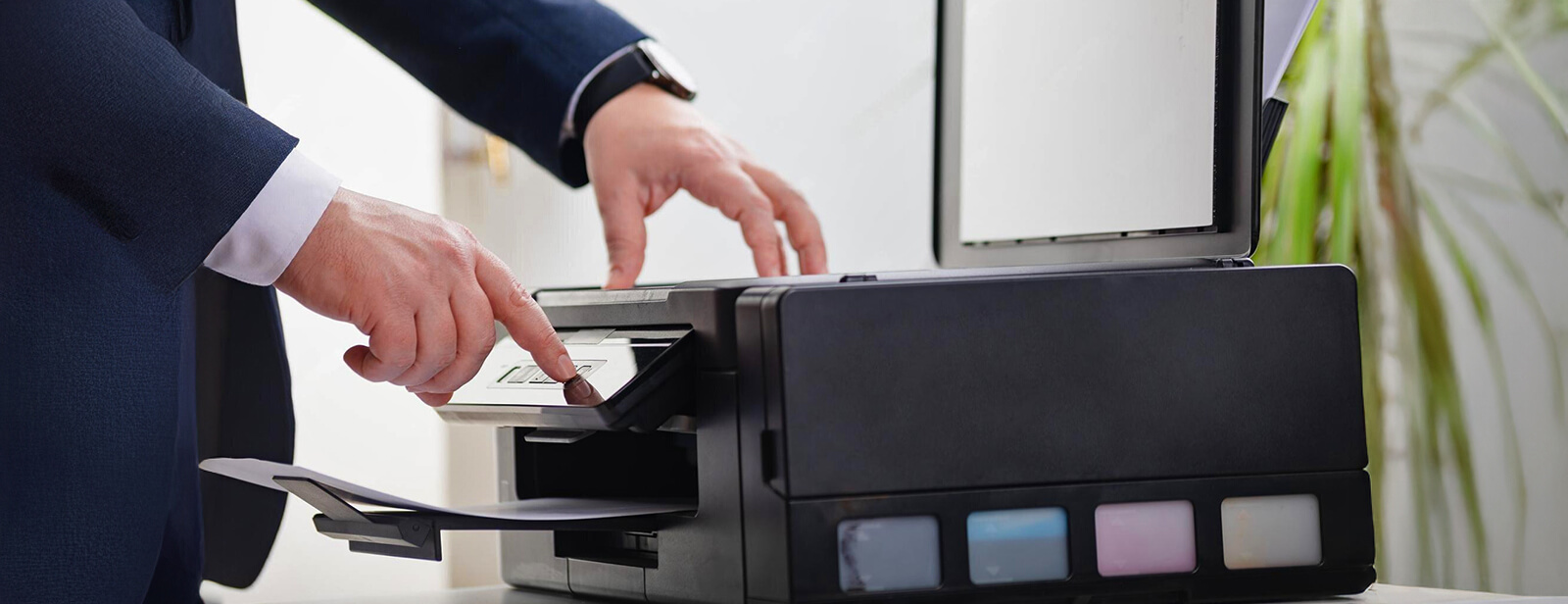
Common Printer Issues We Fix

Printer Offline
Printers often appear offline due to connection errors, network issues, or driver problems. Our expert checks the printer settings, restores the connection, and helps your system detect the printer again.

Setting up New Printer
Setting up a new printer can involve drivers, network setup, and device configuration. Our technician guides the installation process and prepares your printer for normal use.

Printer shows Error Code
Printer error codes often appear due to driver faults, hardware alerts, or system communication problems. Our trained technician identifies the error code and resolves the issue.

Connect Printer to Wi-Fi
Wireless printing depends on a proper network setup. If your printer does not connect to Wi-Fi, our technician checks network settings and connects the printer to your wireless network.

Paper Jam/Paper Stuck in Printer
Paper jams stop printing and may damage internal printer parts if handled incorrectly. Our technician guides the safe removal of stuck paper and checks the printer for other problems.

Troubleshooting Printer
Some printers stop working without a clear reason. Our technician checks drivers, connection settings, and printer configuration to locate the problem and restore normal operation.
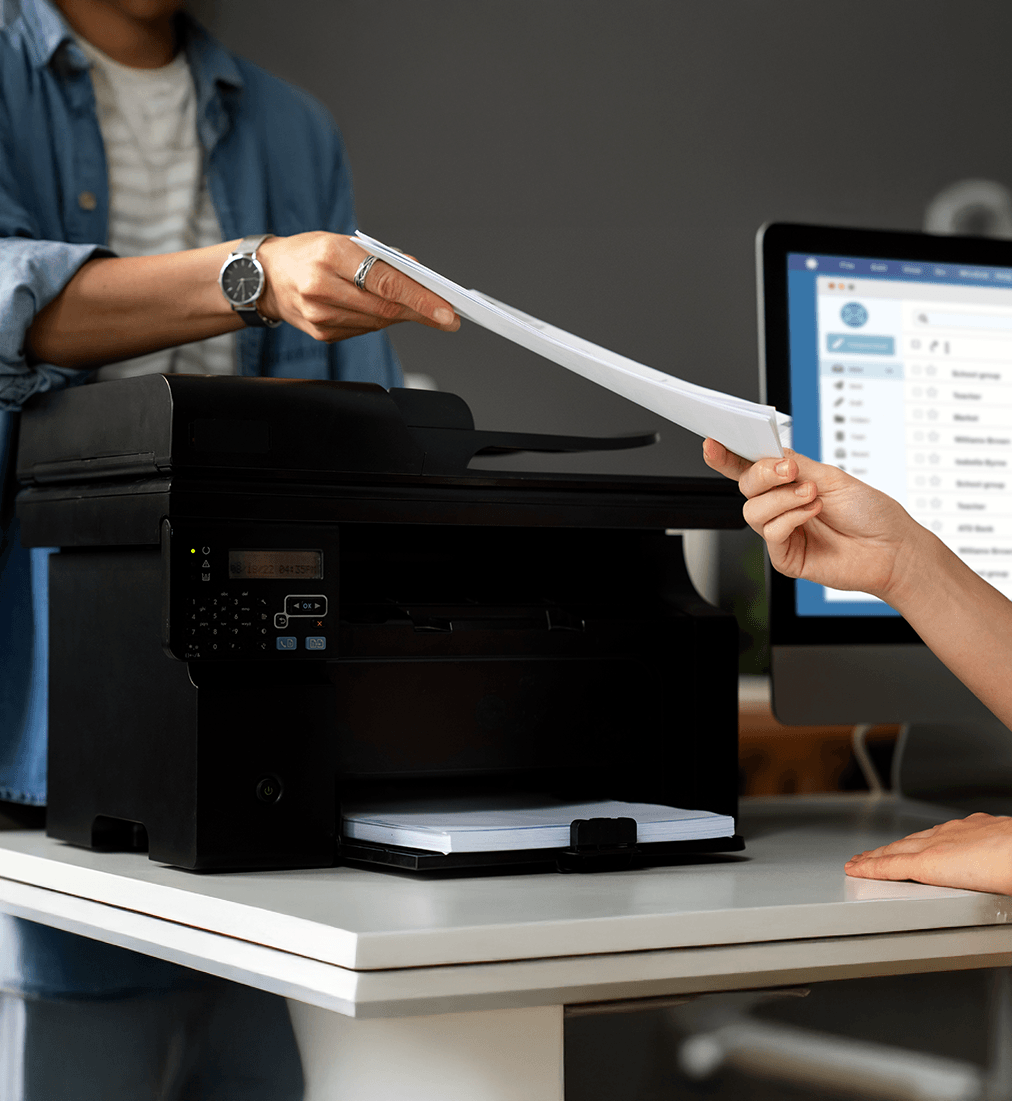
Easy Solutions for Everyday Printer Problems
Printers remain essential for home and office tasks. Yet many printer problems occur without warning. Offline error, connection failures, or unexpected error codes can stop printing at the worst moment. Z Switch provides remote printer assistance so users can fix these problems without going through complex system settings.
Our technicians review printer configuration, device drivers, and connection settings through a guided remote session. This method helps find the problem quickly and restore printing without long troubleshooting. Many users contact us when a printer stops responding, even though it worked earlier the same day.
- Remote technician checks the printer settings and system configuration during the session
- Suitable for home users, remote workers, and small businesses
- Works with many common printer brands and system setups
- No need to visit a repair shop or disconnect office equipment
+
Years of Technical Experience
/7
Remote Assistance
k
Issues Resolved
%
Customer Satisfaction
Save More with Our Complete Care Bundle
Get all essential desktop & laptop services in one annual plan — at a fraction of the cost.
Printer Complete Care
Desktop & Laptop Computer Assistance · 6 Services Included
Today You Pay
Regular £669.94
73% OFF Limited Offer
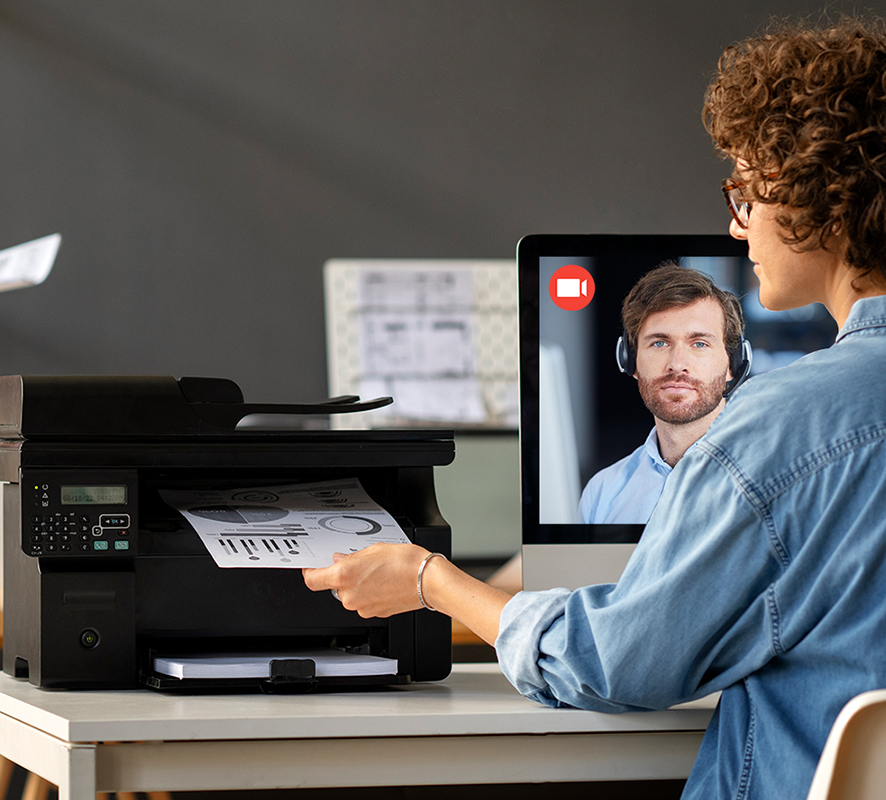
How Remote Printer Assistance Works

Select the Issue
Choose the printer problem listed on this page and request assistance by selecting the service option.

Technician Contacts You
A Z Switch technician reviews your request and contacts you to confirm the printer issue.

Remote Fix
The technician checks printer settings, drivers, and network configuration during the online session.
Frequently Asked Questions
Support
Hire a Technician
Need immediate technical help? Provide your details below and our team will connect you with an available technician.