Announcement from ZSwitch LLC

A slow computer can be frustrating, especially when it affects your daily work, studies, or business tasks. Simple activities like opening files, browsing the internet, or starting your system can take longer than expected. The good news is that most performance issues have common causes and practical solutions. Understanding why your computer slows down is the first step toward fixing it and keeping it running smoothly.
Common Reasons Your Computer Slows Down
Here are some common reasons your computer is slowing down:
1. Too Many Programs Running at Once
When multiple applications run in the background, they consume memory and processing power. Over time, this overload makes your system respond slowly. Many programs also start automatically when you turn on your computer, even if you don’t need them right away.
How to fix it: Close programs you are not using and disable unnecessary startup applications through system settings or task manager.
2. Low Storage Space
Your computer needs free space to function properly. When the hard drive or SSD is almost full, the system struggles to manage files efficiently, which leads to slower performance.
How to fix it: Delete unused files, uninstall unnecessary software, and clear temporary files. Moving large files like videos or photos to external storage or cloud services can help as well.
3. Malware or Unwanted Programs
Viruses, spyware, and unwanted programs often run silently in the background, using system resources and causing delays. These programs may also display ads or redirect your browser.
How to fix it: Install reliable antivirus software and run regular scans. Remove suspicious or unused applications and avoid downloading files from untrusted sources.
4. Outdated Software or Operating System
Old operating systems, drivers, or applications may not work efficiently with newer updates or hardware. This mismatch can result in slow performance, errors, or system crashes.
How to fix it: Keep your operating system and software updated. Updates often include performance improvements, bug fixes, and security enhancements.
5. Too Many Browser Tabs and Extensions
Web browsers can consume a lot of memory, especially when multiple tabs and extensions are active. Heavy websites and add-ons slow down your system, particularly on older computers.
How to fix it: Close unused tabs, remove unnecessary extensions, and clear browser cache regularly. Consider using a lighter browser if performance issues persist.
6. Hardware Limitations
Older hardware may struggle to keep up with modern software requirements. Limited RAM, an aging hard drive, or outdated processors can significantly affect speed.
How to fix it: Upgrading hardware, such as RAM or switching from a hard drive to an SSD, provides a noticeable performance boost. If upgrades are not possible, adjusting usage habits helps.
7. Overheating Issues
When a computer overheats, it may slow down to protect internal components. Dust buildup, poor ventilation, or constant heavy usage can cause overheating.
How to fix it: Clean air vents and fans, ensure proper airflow, and avoid placing your computer on soft surfaces that block ventilation. For laptops, cooling pads can be helpful.
Simple Steps to Speed Up Your Computer
- Clean Up Your System: Remove temporary files, old downloads, and unused applications. Built-in cleanup tools can automate this process and free up valuable space.
- Manage Startup Programs: Reducing startup programs shortens boot time and improves system responsiveness. Only allow essential programs to start automatically.
- Restart Your Computer Regularly: Restarting clears temporary memory and stops unnecessary background processes.
- Check for Software Updates: Enable automatic updates for your computer and essential software to stay current.
- Upgrade When Needed: Upgrading RAM or storage can be a cost-effective solution if performance issues persist.
When to Seek Professional Help
If your computer remains slow after basic fixes, professional assistance can identify deeper issues such as hardware faults, system corruption, or advanced malware. Experts can optimize your system, recommend upgrades, and prevent future problems.
Preventing Slowdowns in the Future
- Install only trusted software
- Avoid unnecessary downloads
- Keep your system updated
- Run regular security scans
- Perform routine cleanups
Consistent maintenance keeps your computer running efficiently and extends its lifespan.
Final Thoughts
A slow computer doesn’t always mean it’s time for a replacement. In many cases, simple adjustments and regular care can restore performance and make daily tasks smoother. By understanding the causes and applying the right fixes, you can enjoy a faster, more reliable system without unnecessary stress.
Premium Website Development Solutions
We create high-performance, SEO-friendly websites that attract customers, increase engagement, and help your business generate more leads and grow online.
200+
Projects
98%
Satisfaction
£49
Start

250+
Projects
Completed
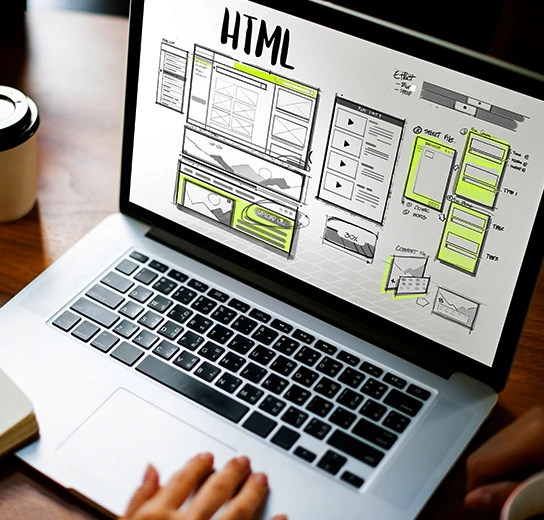

Build Strong Websites That Support Business Growth
We create websites that match your business goals, improve user experience, and help attract the right audience. Our team focuses on design, speed, and structure to ensure your website performs well.
User-Friendly Design
Simple layouts that improve navigation and user experience
Fast Loading Speed
Optimised pages that reduce load time and bounce
Goal-Based Structure
Built to guide visitors towards your business goals.
Mobile Compatibility
Works smoothly across mobiles, tablets, laptops, and desktops.
Common Website Issues We Fix
Many businesses face technical and setup problems that stop their websites from working properly. Z Switch helps you identify and resolve these issues quickly, so your website stays active, secure, and ready for your customers.

Domain Related Problems
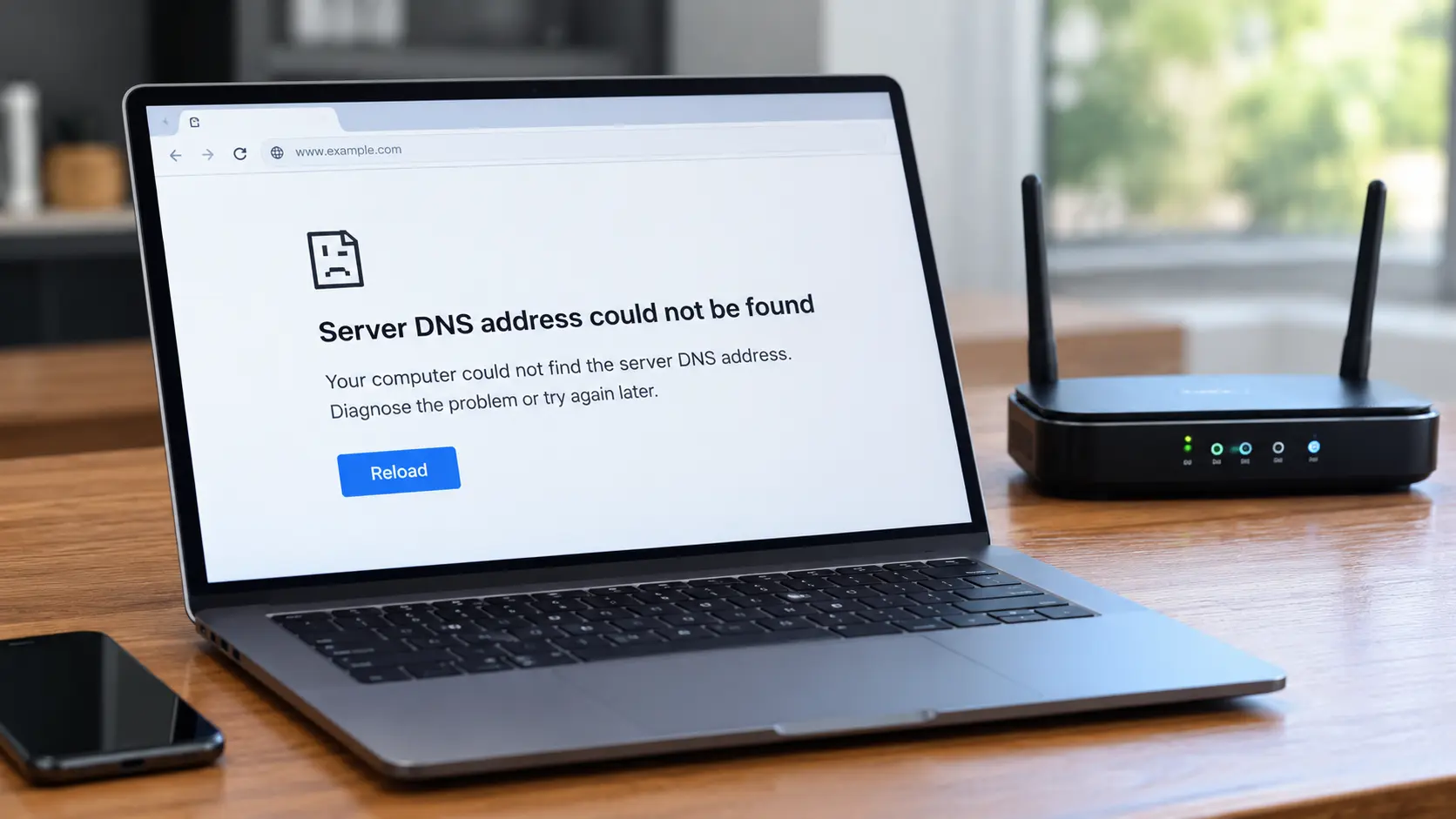
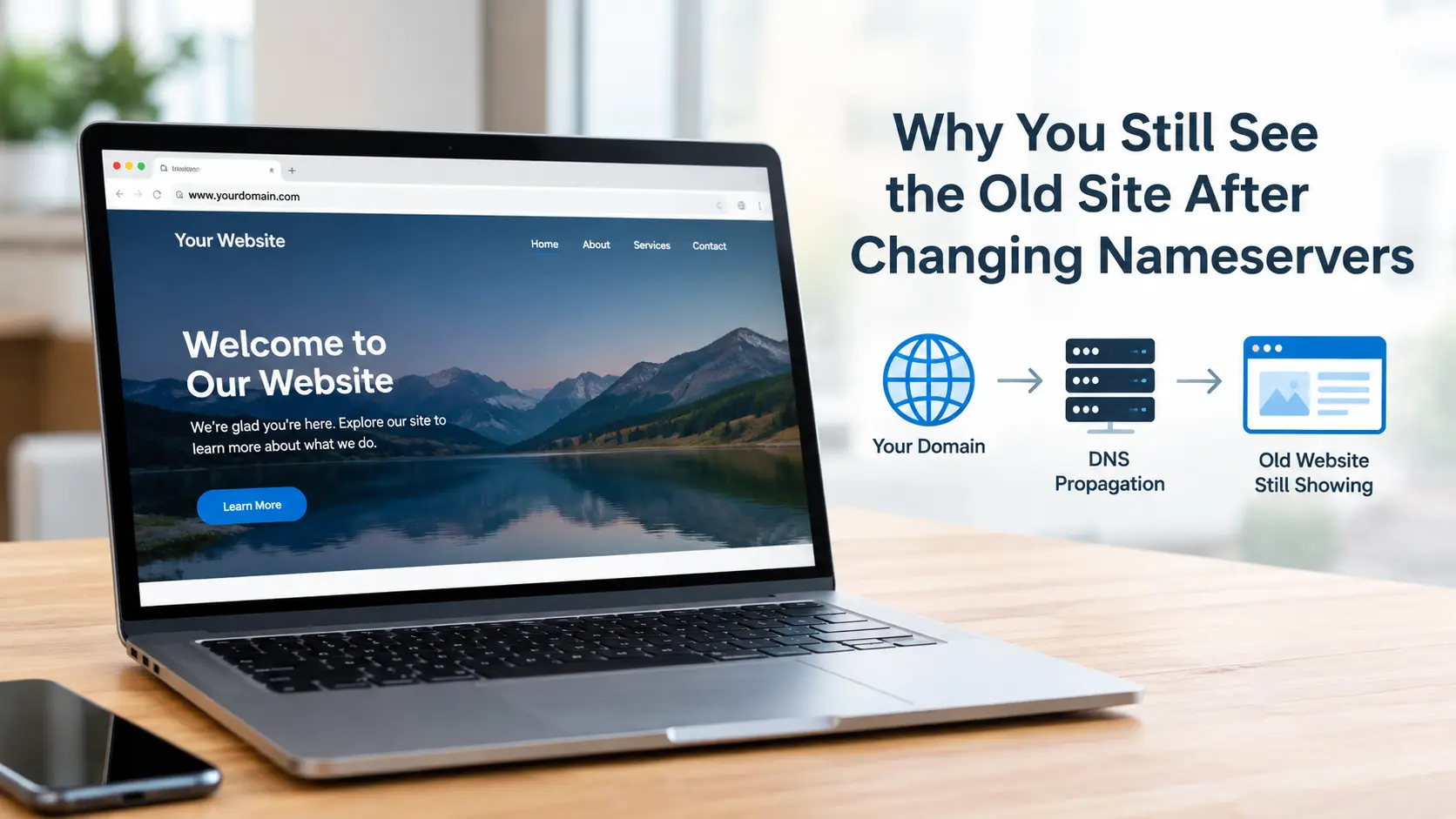
We fix common domain issues such as DNS delays, missing verification, and email setup errors. We also help protect your domain details and make sure everything works properly without unexpected interruptions.

Hosting Related Issues
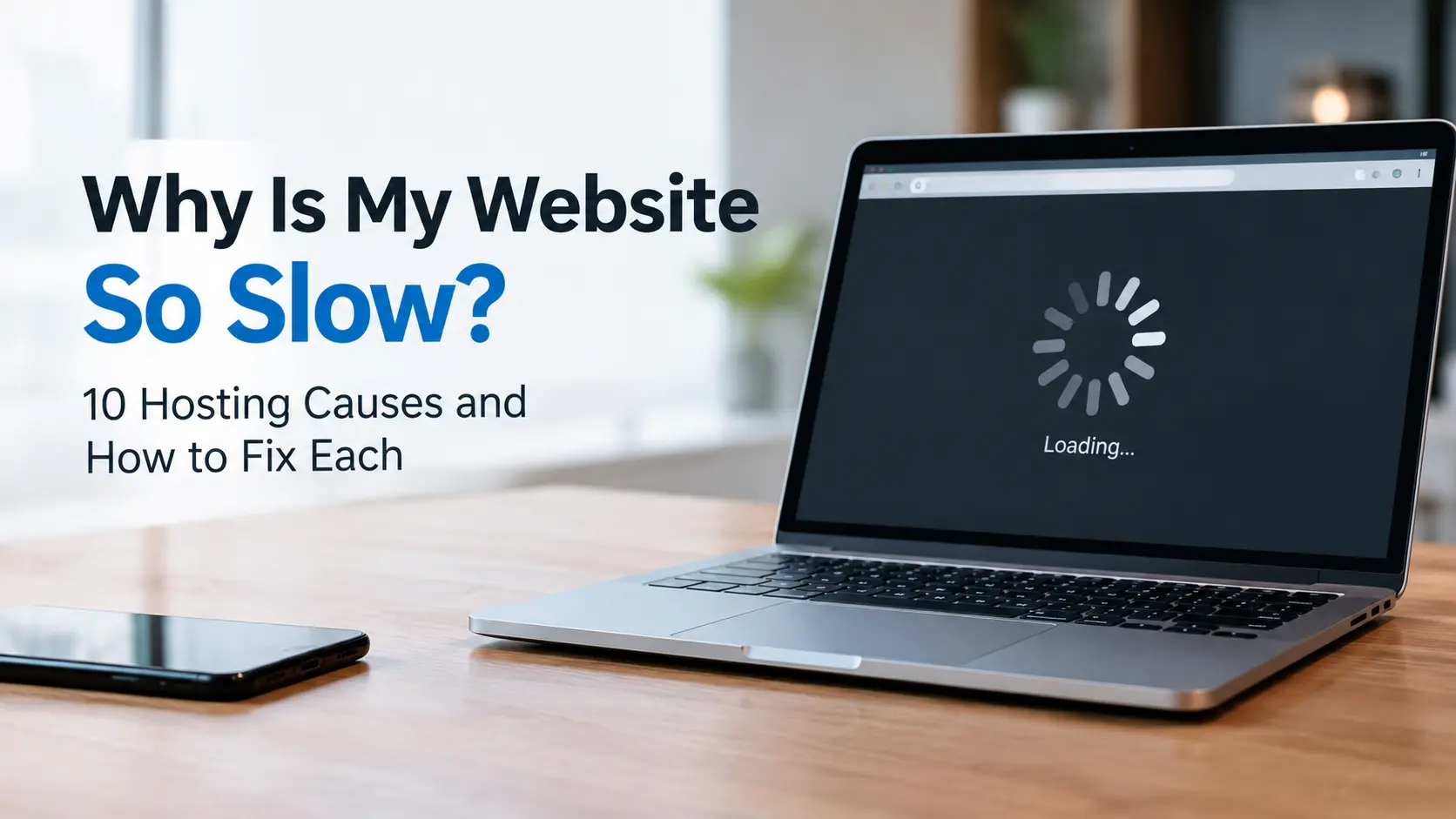
We handle hosting problems like slow performance, downtime, and server errors. We also help you avoid hidden costs, fix backup issues, and make sure your website runs smoothly without being affected by other sites.

Professional Email / Business Email issues
We set up and fix business emails linked to your domain. This includes resolving email delivery issues, spam problems, and setting up required records so your emails reach inboxes without any trouble.

SSL/TLS Issues on Website
We resolve SSL and security certificate issues that cause - Not Secure†warnings. This includes fixing mixed content errors, expired certificates, and setup problems so your website stays safe and trusted by users.

Website Design Issues
We improve your website design by editing pages or creating new ones. Whether you need a few pages updated or a small redesign, we make sure your website looks clean, modern, and easy to use.

Website Functionality Issues
We fix issues that affect how your website works. This includes API errors, broken plugins, or features not working properly, so your website functions smoothly without interruptions.

Website Security Issues
We help clean and secure websites affected by malware or viruses. We also fix security gaps to protect your website and keep your data safe from future threats.

Logo Designing
We create simple and professional logos that match your brand. A clear and strong logo helps your business look more trustworthy and easy to recognise.

Content Creation
We help you create clear and useful content for your website. This includes writing content that explains your services properly and helps your visitors understand your business better.
Why Clients Trust Us
We combine technical excellence with business intelligence to deliver high-performance digital solutions that drive real results.
25+ Developers
Our experienced website developers design custom websites quickly using modern tools and technology.
300+ Websites
We have developed websites for businesses nationwide to help them reach their target audiences and increase revenue.
100% Mobile
We build optimised websites for desktop and mobile devices to make navigation easier and ensure users can access them easily.
Low Bounce Rate
Our web developers improve website loading speed and performance to keep visitors engaged and help reduce bounce rates.

What Our Customers Say About
Working With Us
See how businesses have grown with our web development services and dedicated team.
"Our new website looks far more professional and runs much faster than the old one. The team understood exactly what we needed and delivered on time. We are so impressed with the final website."

Jackson Patel
"They transformed our outdated site into something modern and easy to use. The whole process was straightforward, and communication was excellent throughout. I would happily recommend them to other businesses."
Ember Lewis

"From the initial consultation to the final launch, everything was handled efficiently. The website works perfectly across mobile and desktop, which has made a real difference to our customers."

Jemma Martin
"We needed a secure and simple eCommerce website, and that’s exactly what we received. Sales have improved, and managing products is now much easier for our team."
Edward Clark
"Their attention to detail and technical knowledge really stood out. The site loads quickly, looks great, and gives our business a much stronger online presence."

Tanner Morgan
"What impressed us most was the ongoing service after launch. Any questions we have are dealt with promptly. It’s reassuring to know we have a reliable web partner."
Nylah Allen

4.8
Our Client
(5k + Reviews)
Customer experiences
that speak for themselves
Frequently Asked
Questions
Get answers to common queries related to our website development services.
Knowledge Base & Guides
Helpful Guides & Articles


Support
Hire a Technician
Need immediate technical help? Provide your details below and our team will connect you with an available technician.
Add More Assistance
4 AvailableSelect additional comprehensive care packages for your devices
Added to Cart!
Item added successfully