
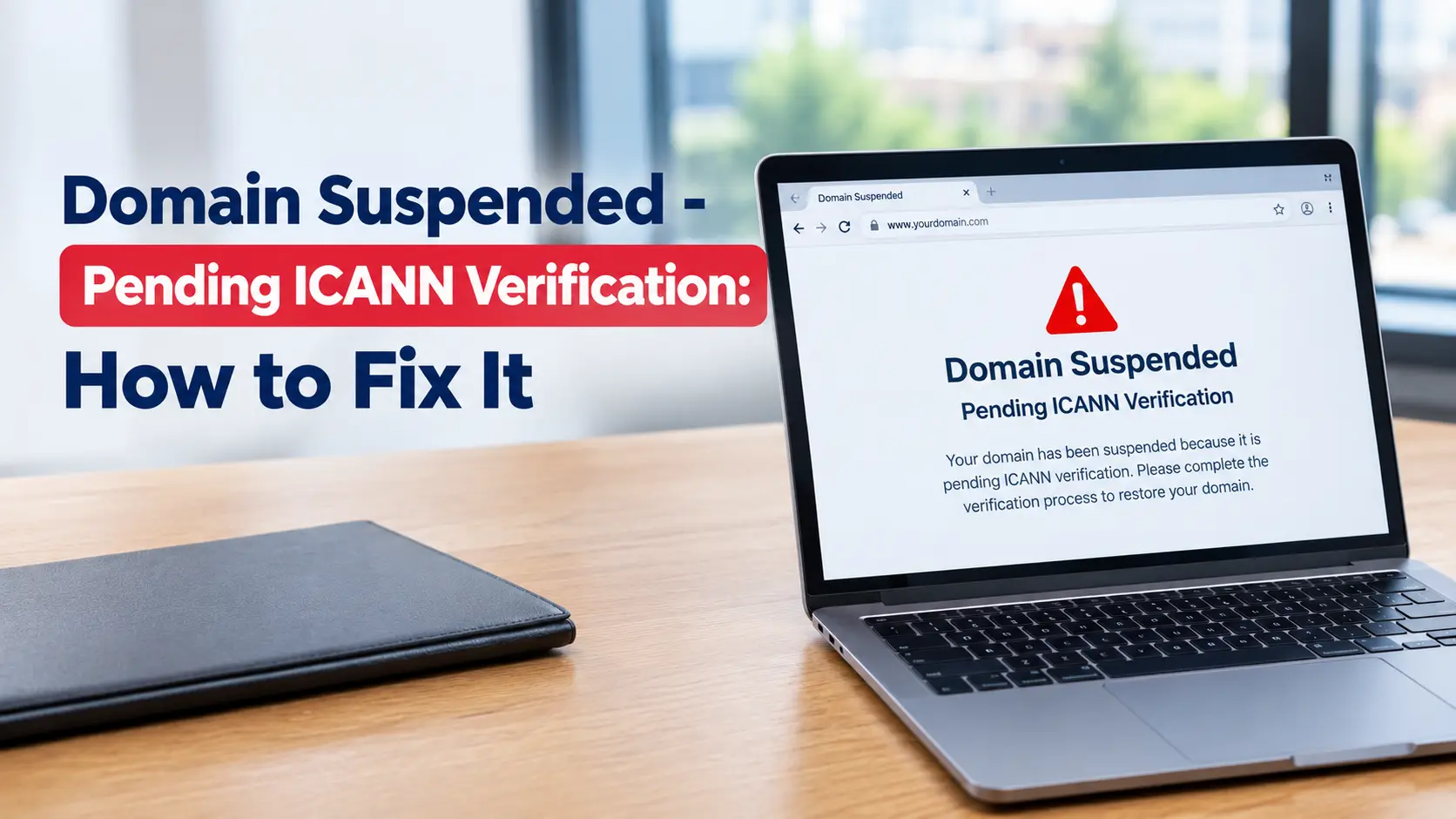
Your domain has not been stolen or deleted. Your registrar has put it on a temporary hold, shown in a domain lookup as clientHold, because the email address on the registration was never confirmed. ICANN's rules give a registrar 15 calendar days to verify the registrant's email address after a new registration or a change to the registrant's name or email. When that deadline passes with no response, the registrar has to switch the domain off, which drops the website, the email, and every subdomain at the same time.
To lift the hold, click the verification link. If you still have the email, open it and click through. If you cannot find it, send yourself a fresh one from your registrar account or from the suspended domain's parking page, then click that. Most domains come back within a few minutes to a few hours of verifying, and DNS caching occasionally stretches that to a day.
One catch to check before you start: if that verification email has been going to an address on the suspended domain itself, such as you@yourdomain.com, then that mailbox is down too and the messages are landing nowhere. Skip to When the verification email is going to a dead mailbox and change the contact address first.
Fix it, step by step
Budget about 15 minutes. Most of it is waiting for email.
- Search every inbox you own for the original message. Subject lines vary but usually contain "verify", "verification", "confirm your email", or "immediate action required". The sender is often not your registrar's main address: registrars built on Tucows or OpenSRS send from a verification address, eNom-based ones (which includes many web hosts that resell domains) send from an eNom address, and GoDaddy sends from its own. Check spam, and check any Promotions or Updates tab.
- If you find it, check the link still works. These links expire after a set number of days and then return an error. An expired link means you need a new one.
- Resend from the parking page. Open the suspended domain in a browser. The page for an unverified domain normally has a small "Resend verification email" link, or a reCAPTCHA box, near the very bottom, below everything else. Complete it.
- Or resend from your account. Log in to the registrar, open the domain, and look for a "pending verification" banner or a resend button under the contact details. GoDaddy keeps it in Contact Manager, Namecheap shows it on the domain's dashboard, Cloudflare puts it in the domain overview (some Cloudflare users have had to ask support for it).
- Click the link in the new email. You will usually land on a plain page, little or no branding, that just says your address is verified. That bare page is normal. It is not the phishing version.
- Wait a few minutes, then test in a private window or on mobile data, not your usual network, which may still be serving the old result.
A detail that trips people up: the resend is rate limited, often to once per hour, and each resend cancels the previous link. Trigger one resend, then wait for that exact message. Firing off several resends and then clicking the oldest link is the most common reason people say "I clicked it and nothing happened."
If you clicked it, waited, and the site is still parked: either your DNS resolver is still holding the suspended nameservers until the record's cache expires (see the timings below), or the registrar has not flipped the status back. Look up the domain at lookup.icann.org or with a whois command. If it still shows clientHold several hours after you verified, contact the registrar and quote that status code.
When the verification email is going to a dead mailbox
This is the awkward one. If the registrant email is an address on the suspended domain, that mailbox stopped receiving the moment the hold went on, because the MX records (the DNS entries that tell other mail servers where to deliver your email) went down with everything else. The verification email is being sent into nothing.
Your registrar account login is separate from your domain's email, so you can still get in. Do this:
- Log in to the registrar.
- Open the domain's registrant or contact details.
- Change the registrant email to an address you can open right now. A Gmail or Outlook address is fine as a temporary measure.
- Save. Changing the registrant email is itself a triggering event, so it sends a fresh verification email, this time to the reachable address.
- Click that link.
If the control panel will not let you edit contacts while the domain is suspended, open a support ticket or live chat and ask the registrar to update the registrant email and resend the verification. They handle this every day. Ask them to confirm the domain status once it is done.
If you use domain privacy or WHOIS privacy, the verification email still goes to your real underlying address, not the masked one, but the forwarding through the privacy service sometimes fails without any bounce. Turning privacy off, verifying, then turning it back on is a reliable way around that.
How long until the site and email come back
Verifying is the quick part. The wait afterwards is DNS.
| Stage | Typical time | What is happening |
|---|---|---|
| Link click registered | Seconds | The registrar records your address as verified |
| Registrar restores your nameservers | A few minutes to a few hours | The hold is removed and your real nameservers are put back |
| DNS caches clear worldwide | 1 to 48 hours | Resolvers that cached the parked nameservers keep serving them until the record's time-to-live (TTL) runs out |
| Email delivery resumes | Alongside DNS | Sending servers that saw the missing MX records retry once they reappear |
Namecheap tells customers the hold is usually lifted "in several minutes" after verification. GoDaddy asks customers to allow up to 24 hours. The honest summary is that the registrar side is normally fast, and the internet's caching is what makes it feel slow. You cannot speed up other people's resolvers, but you can stop your own machine misleading you: flush your local DNS cache, or just test from a phone on mobile data and from a multi-location DNS checker.
Why your registrar switched it off, not ICANN
The message says "ICANN verification", which makes it sound as though ICANN reached into your account. It did not. ICANN does not operate domains, does not hold your registration data, and does not email registrants. Your registrar did the suspension, because its contract with ICANN, the 2013 Registrar Accreditation Agreement, requires it to.
That contract's WHOIS Accuracy Program Specification says that after a triggering event the registrar must email the registrant, and if it has no affirmative response within fifteen calendar days it must "either verify the applicable contact information manually or suspend the registration." Most registrars have no team doing manual verification, so suspension is the default outcome. ICANN's 2024 Registration Data Policy, in force since 21 August 2025, kept these verification obligations in place rather than relaxing them.
What counts as a triggering event:
| Event | Verification email sent? | Notes |
|---|---|---|
| New registration with a never-verified email | Yes | The 15-day clock starts |
| New registration using an email already verified in your account | No | One verified address covers future domains |
| Changed the registrant email address | Yes | New clock, and the old verification no longer counts |
| Changed the registrant first or last name | Yes | Even correcting a typo re-triggers it |
| Changed only phone, street address, or organisation | Usually no | Not a verification trigger |
| Annual WHOIS Data Reminder Policy notice | Not applicable | Reminder only, no suspension (see below) |
Only generic top-level domains are covered: .com, .net, .org, .info, .biz, and newer endings such as .app or .shop. Country-code domains set their own rules. For .uk, Nominet runs its own registrant data validation and can suspend a domain that fails a check, but the process and the wording differ, so the steps above are specifically for gTLDs.
The question that comes next is usually "does this become an annual chore?" No. Once an email address is confirmed, it stays confirmed for that address across your whole account. You only see another verification email if you change the registrant name or email again.
Is the email even real? Telling a genuine notice from the scam
Domain suspension is a favourite phishing theme precisely because it creates panic. A fake "your domain will be suspended, verify now" email is after your registrar password or a payment.
A genuine verification notice:
- Comes from your registrar or its back-end provider, never from ICANN directly.
- Links to your registrar's own domain, or a verification subdomain of it.
- Asks only for a click. It does not ask you to log in on that page, pay a fee, or enter card details.
Red flags for a fake:
- It claims to be from "ICANN" or an "ICANN Registrar Team". ICANN does not email registrants and runs no verification portal.
- The button points to a Firebase, Google Sites, or unrelated hosting URL rather than your registrar.
- It demands a payment to "release" the domain.
- It threatens suspension within 24 or 48 hours, with a countdown. The real window is 15 days and the real notice is matter of fact.
If you are unsure, click nothing in the email. Type your registrar's address into the browser yourself, log in, and look for a verification banner there. If your account is clean and the domain resolves, the email was bogus. Forward suspected ICANN-impersonation emails to ICANN at globalsupport@icann.org and report the phishing page to your registrar.
What this is not
Several different problems all look like a dead domain. Matching the symptom to the cause stops you chasing the wrong fix.
| Symptom or status | Cause | Fix |
|---|---|---|
Parking page says "pending ICANN verification", status clientHold |
Registrant email never verified | Click the verification link (this article) |
| "This domain has expired" or a renewal parking page | Registration lapsed | Renew it, within the redemption grace period if it is well past expiry |
| "Suspended for non-payment" | Unpaid invoice at the registrar | Settle the balance with the registrar |
Status serverHold |
Registry-level hold, often a UDRP dispute, court order, or abuse report | Contact the registrar for the reason. This is not self-service |
| Domain resolves but the site shows a host error | Hosting or DNS misconfiguration, not a domain hold | Check your hosting account and DNS records |
ICANN's WHOIS Data Reminder Policy is also a separate thing. Once a year your registrar must send you a copy of your registration details and ask you to correct anything wrong. Ignoring that annual reminder does not suspend anything. Your data is simply assumed correct. Only the verification link carries the 15-day suspension.
Keeping it from happening again
- Put a real, monitored inbox on the registrant contact. Not
info@or a shared alias nobody reads, and not an address on the domain itself. - After any edit to the registrant name or email, watch for the verification email that day and clear it. The 15 days run quietly and there is no second warning.
- If you bought the domain through a web host that resells domains, check which address actually sits on the registrant record. It is often an old one from sign-up.
- Verify once per address. After that, new domains registered with the same registrant email will not trigger another email.
Related guides
My Website Is Down: What to Do First (UK Small Business Guide)
Start here if you are not yet certain the verification hold is what took your site offline. It runs through the quick checks that separate an ICANN suspension from an expired domain, an unpaid invoice, or a hosting fault.
Business Email Not Sending or Receiving? Common Causes and Fixes
A suspension takes your MX records down with the website, so mail stops too. This covers getting delivery working again, and the trap where your only contact address sits on the domain that is now offline.
How to Move Your Website to a New Host Without Losing Traffic
The same nameserver and TTL mechanics that make a host migration feel slow are what decide how quickly your domain comes back after you click the verification link.
SPF Record 10-Lookup Limit Explained (and How to Fix It)
Once email is flowing again, this is a common reason messages still bounce or fail authentication.
Why Are Business Emails Going to Spam? (SPF, DKIM and DMARC Explained)
A long outage can leave your email authentication records stale. This explains how to check and rebuild them so mail lands in the inbox.
Domain Related Problems
The wider set of issues that tend to surface right after a suspension scare: WHOIS privacy, DNS propagation delays, and renewal pricing jumps after the first year.