
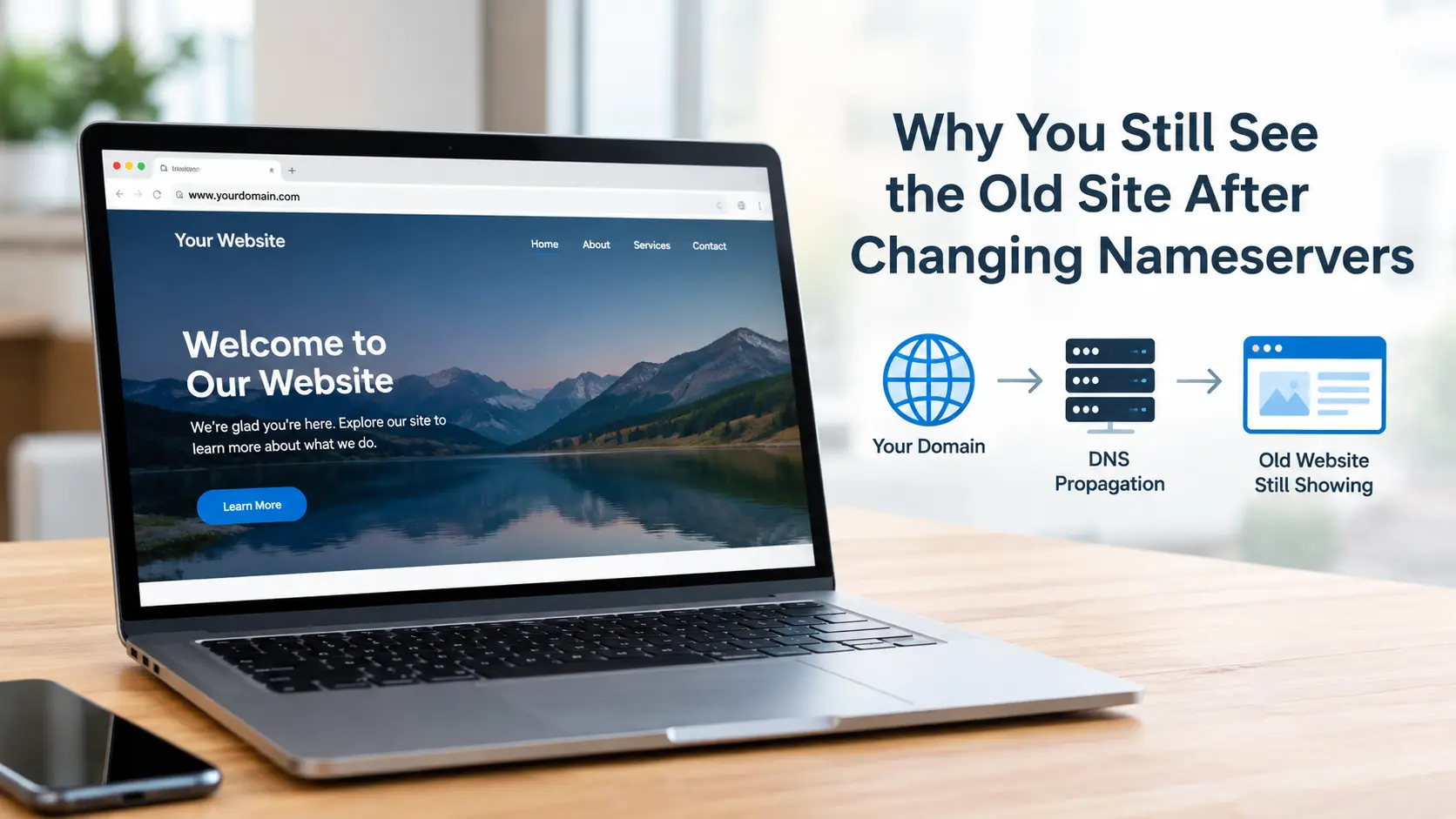
For the first few hours, this is normal and you usually do not need to do anything. Changing nameservers hands DNS control of your domain to a new provider, and resolvers around the world keep serving the old answer until their cached copy of that delegation expires. In practice that now clears within one to four hours for most people, though the window registrars quote is 24 to 48 hours, and it genuinely can take that long if your old nameservers are still online and answering.
If it has been longer than a day, or the new site loads on your phone but not your laptop (or the reverse), propagation is not your problem. Something is misconfigured, and it is nearly always one of three things: the new nameservers do not have the right DNS records, the old host is still serving the old site to anyone whose DNS has not moved yet, or a DNSSEC key mismatch is breaking resolution for part of the internet.
The rest of this explains how to tell which situation you are in, the exact checks to run, and what actually speeds things up. There is not a lot, but a few things help.
Why the old site keeps loading
Changing nameservers is not one switch. The lookup that decides which site you see passes through several layers, and each one keeps its own cached copy of "where does this domain live" for its own length of time.
| Layer | What it holds | Typical hold time | Controlled by |
|---|---|---|---|
| Your browser | The page files, plus (via HSTS or a service worker) the site itself | Minutes to weeks | The old site's response headers |
| Your OS and router | The domain's IP address | Until the record's TTL expires, often 1 to 24 hours | The old DNS record's TTL |
| Your ISP or public resolver | The IP address and the nameserver delegation | Until TTL expires, then capped by resolver policy | Old record TTL plus resolver rules |
| TLD servers (.com, .co.uk) | Which nameservers are authoritative for your domain | Up to 48 hours for .com and .net delegation records | The registry (Verisign for .com, Nominet for .uk) and your registrar |
| The old nameservers | Your entire old DNS zone | For as long as the old host keeps running them | Your previous hosting provider |
TTL means "time to live": the number of seconds a resolver is allowed to reuse a cached answer before fetching a fresh one. You can read the current value straight out of a lookup, which matters later.
The row people forget is the bottom one. Your old nameservers do not stop existing when you change the setting at your registrar. They keep answering, with the old IP address, for every resolver that still believes they are in charge. That is why a switch drags on for a day or two even when your registrar applied the change within minutes.
So is "propagation" basically a myth? No, but the word gets stretched to cover things that are not propagation. The real delay is cache expiry at the TLD and resolver level. Past 48 hours, blaming propagation is almost always wrong.
First, work out whether it is just you
Before changing anything, establish whether the old site is showing for the whole world or only on your machine. Those have completely different fixes.
Check from a network you have not used today: your phone on mobile data with Wi-Fi off, a colleague in another town, or a tool like whatsmydns.net that queries resolvers in multiple countries at once. If those show the new site, your DNS has already moved and the problem is local caching on your device or network. If they still show the old site, the change has not taken effect yet.
To clear the local layers:
| System | Command |
|---|---|
| Windows | ipconfig /flushdns |
| macOS | sudo dscacheutil -flushcache; sudo killall -HUP mDNSResponder |
| Linux (systemd) | resolvectl flush-caches |
| Chrome's own resolver cache | open chrome://net-internals/#dns and clear host cache |
Then restart your router, which caches DNS in its own right, and open the site in a private window to rule out the browser serving old page files. One catch: if you had ever loaded the site over HTTPS and it sent an HSTS header (a header that tells the browser to only ever use HTTPS for this domain), the browser will refuse plain HTTP during the migration, which can present as a broken or stale page. Test with https:// spelled out.
I flushed everything, I still see the old site, but my phone sees the new one. Your router or a secondary resolver is still holding the old record, or the old site installed a service worker: a background script a site can register in your browser that serves the whole site from local cache and ignores DNS entirely. In Chrome, open DevTools, then Application, then Service Workers, and unregister it.
The checks that tell you what the internet actually sees
This is where you stop guessing. You need dig, which is built in on macOS and Linux. On Windows, use nslookup or an online dig tool.
1. Which nameservers do the TLD servers hand out for your domain?
dig +trace yourdomain.com
On Windows: nslookup -type=ns yourdomain.com 8.8.8.8
Look at the final set of NS records. If they are your new nameservers, the registrar did its job and the delegation is updating. If they are still the old ones, the change has not reached the registry: log back into your registrar, confirm it saved, and check for a pending verification email sitting unread in your inbox. Also check you did not mistype one of the nameserver fields or leave the fourth one blank when the host needed all of them. A single wrong character means the registry rejects or only partly applies the change, and that alone accounts for a large share of "stuck for three days" cases.
2. Which IP address do the new nameservers actually serve?
dig A yourdomain.com @ns1.newhost.com
Swap in one of your new nameservers. This skips every cache and asks the new provider directly. If it returns the old host's IP, nothing at all, or a parking IP, you have found the fault: the zone at the new host is wrong or was never built. Fix the A record there.
3. What is everyone else being told right now?
dig A yourdomain.com @1.1.1.1
dig A yourdomain.com @8.8.8.8
Public resolvers routinely disagree during a transition, which is exactly why the site "works here but not there". Note the TTL in each response: it counts down, and the resolver refetches when it hits zero.
Trace shows the new nameservers, they serve the correct IP, and I still get the old site. Two possibilities remain. Either a CDN or reverse proxy is in the path: run curl -sI https://yourdomain.com and look for a server: or cf-ray header naming Cloudflare, Fastly or similar, in which case the stale copy needs purging in that dashboard. Or you are testing a hostname the new host never set up: check www and the bare domain separately, because hosts frequently configure one and not the other.
Why it is genuinely stuck, past the normal window
If it has been more than 24 to 48 hours, work through these in order. They are listed by how often they turn out to be the real cause.
The new nameservers have no record, or the wrong one. By a distance the most common. The host issued you nameservers at signup, but the zone behind them either does not exist yet or still carries a default A record pointing at an "account not configured" placeholder. Confirm with dig A yourdomain.com @newnameserver and set the record properly. Nine times out of ten, a site that is still stuck after a few hours is stuck here, not on propagation.
The old nameservers are still handing out old data. Expected for up to 48 hours. Do not cancel the old hosting account yet. If you do, every resolver still pointed at it serves nothing instead of the old site, and you have turned a cosmetic annoyance into an outage. Keep it paid up and live for a week after the switch.
A high TTL was set before you moved. If the old A record had a TTL of 86400 (24 hours) or more, and many cPanel hosts default to 14400 (four hours), every resolver that cached it just before the switch holds it for that long. Nothing you do now changes that. The fix is preventative, below.
DNSSEC is on and the keys do not match. If the old provider had DNSSEC enabled, there is a DS record at your registrar tied to the old provider's signing key. Point the domain at a provider with different keys, or none, and validating resolvers (Google and Cloudflare among them) fail the signature check and return SERVFAIL, the error a resolver gives when it cannot validate an answer. The symptom is distinctive: some people get the new site, others get a "server DNS address could not be found" error, and almost nobody gets the old site. Remove the DS record in your registrar's DNSSEC section, wait for its TTL (up to 24 hours), and the domain resolves again. Set DNSSEC up fresh on the new provider once things are stable.
The domain is on Cloudflare and you changed the wrong thing. If your nameservers already point to Cloudflare, nameservers are not how you move the site. The origin is set by the A record inside the Cloudflare dashboard, and Cloudflare's edge cache can keep serving the old HTML until you run a cache purge.
A service worker is serving the old site. Only affects visitors who had been to the old site before, since the worker was installed in their browser. It clears on its own eventually, or at once if you deploy a page that unregisters it.
What actually speeds it up
Once the change is already made, not much. You cannot force resolvers worldwide to drop their cache. What you can do:
- Flush your own caches, as above. Fixes it for you, nobody else, but at least you can see your own site.
- Keep the old host online. Counter-intuitive, but the quickest path to everyone seeing the new site is to not break the old one. A broken site makes people retry and complain; a working old site quietly ages out.
- Purge any CDN cache sitting in front of the site.
- If you have not switched yet: drop the TTL on your current DNS records to 300 seconds (five minutes) a day or two before the move. Once that low TTL has itself propagated, the real switch clears in minutes rather than hours. This is the single most effective step, and it only works done beforehand.
How long before I raise a support ticket? If dig +trace yourdomain.com still shows the old nameservers after 24 hours, contact your registrar, because that part is theirs. If the delegation has updated but the site is wrong, the fault is in the new host's zone or a CDN, which is yours or your new host's to fix. A genuine "everyone still sees the old site and every check looks correct" almost never outlasts 48 hours. If yours has, one of the checks above was misread; the nameserver query and the direct dig A @newnameserver query are the two worth repeating carefully.
Quick reference
| Symptom | Most likely cause | First action |
|---|---|---|
| Old site on your PC, new site on mobile data | Local or router DNS, or browser cache | Flush DNS, restart router, private window |
| Old site everywhere, under 24 hours | Normal delegation cache expiry | Wait; flush your own cache to preview |
| Old site everywhere, over 48 hours | New nameservers missing or wrong A record | dig A @newnameserver, fix the zone |
| Some users get a DNS error, not the old site | DNSSEC or DS record mismatch | Remove the DS record at the registrar |
| Old site, with a CDN header in the response | Stale edge cache | Purge the CDN, check the origin A record |
| Old site only for repeat visitors | Service worker from the old site | Deploy an unregister script |
| Trace still shows old nameservers after 24 hours | Registrar has not pushed the change | Check for pending verification, then contact support |
Related guides
A nameserver change rarely breaks just one thing. If the switch has knocked something else out, these cover the usual follow-on problems:
Not Receiving Emails on Your Domain? An MX-Record Checklist That Finds the Cause: the most common casualty of a nameserver move. The new provider does not copy your old MX records, so mail stops the moment the delegation shifts. This checklist covers missing records, editing the wrong zone, and stale MX entries left behind.
Domain Suspended: Pending ICANN Verification, and How to Fix It: if your registrar shows the nameserver change as saved but nothing updates, an unconfirmed ICANN verification email is a likely reason. Left too long it suspends the domain, and the wait to recover afterwards is the same TTL-bound DNS delay described above.
If you would rather hand it over, these are the service pages behind those guides:
Domain-related problems: DNS records, propagation delays, transfers and registrar settings.
Hosting-related issues: for when the new host is serving the wrong site, a placeholder page, or nothing at all.
SSL/TLS certificate issues: if the site now loads but shows a certificate warning after the move.